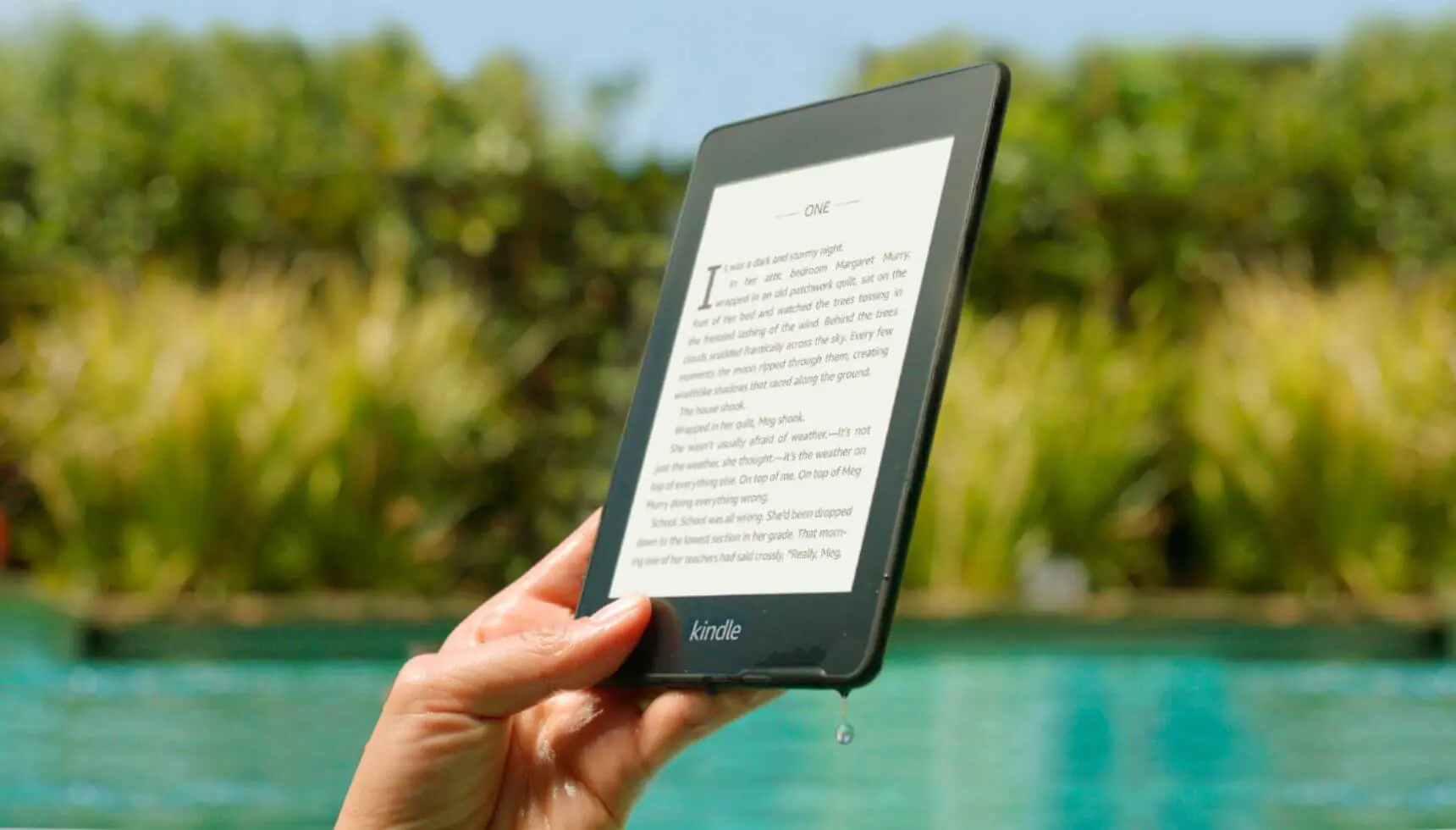




Welcome to another Good e-Reader Exclusive Video Tutorial! Today we are going to show you how to access the hidden internet web browser found in the new Barnes and Noble Simple Touch with Glowlight! The method used in this video is quite different from the previous generation Nook Simple Touch.
In order to start browsing the internet and viewing e-ink photos of cats with funny captions or whatever else you do online, you need to setup your WiFi. Once you have connected to your local network you need to access the SETTINGS menu. Select Social next and then click on Connect your Facebook, Twitter, and Google Accounts. We are mainly concerned with the 3rd option which says “Link your Google Account” and then click on Forget Password. When you select this option a small HOME button appears on the very bottom of your navigation bar. Once you click on that you are greeted by the Google Search Bar and you can now slowly browse the internet.

Michael Kozlowski is the editor-in-chief at Good e-Reader and has written about audiobooks and e-readers for the past fifteen years. Newspapers and websites such as the CBC, CNET, Engadget, Huffington Post and the New York Times have picked up his articles. He Lives in Vancouver, British Columbia, Canada.