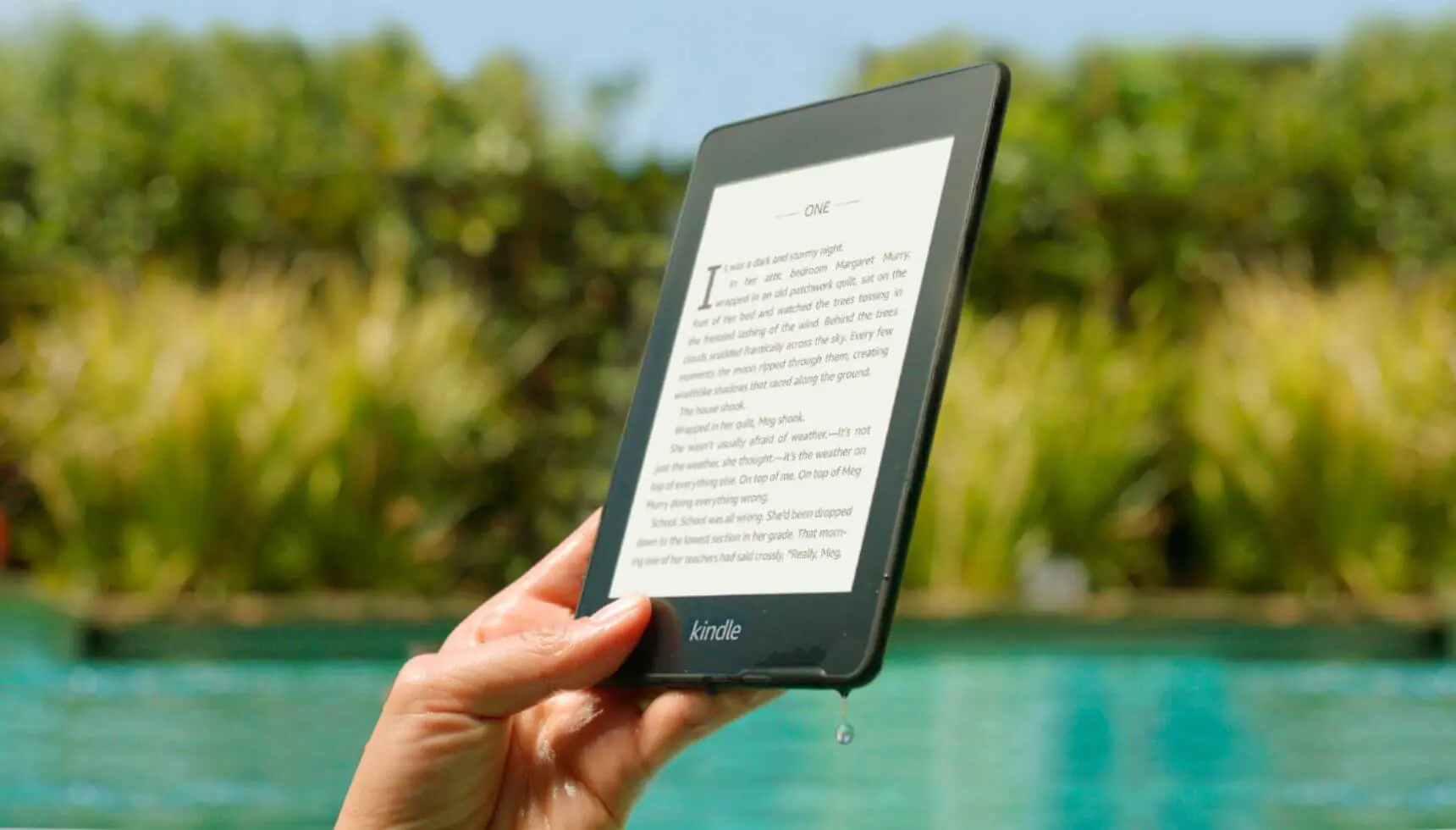




If you have a Amazon Kindle Special Offers edition and are lamenting your decision to save a few dollars? The company has just released a new method for you to pay $30 and remove the adverts from your unit for good!
Special Offers are advertisements that appear on your Home Screen and your Screensaver. If you are tired of seeing these ads and want to remove them, the process is fairly simple.
You have to visit your Amazon Account page and then click on Manage your Kindle. Then select the option to ‘unsubscribe from special offers.’ Once you do this you will be prompted to pay $30 to remove the advertisements from your device.

Michael Kozlowski is the editor-in-chief at Good e-Reader and has written about audiobooks and e-readers for the past fifteen years. Newspapers and websites such as the CBC, CNET, Engadget, Huffington Post and the New York Times have picked up his articles. He Lives in Vancouver, British Columbia, Canada.